Gain Better Visibility and Governance Over AI Usage With CRA AI Insights
Artificial intelligence is becoming a regular part of how employees work. From browser-based AI assistants and installed AI applications to local LLMs and workflow automation platforms, AI tools are appearing across enterprise environments faster than many organizations can track.
The challenge is not simply knowing that AI is being used. It is understanding what AI tools are being used, how they are being accessed, whether they are approved, and where governance gaps may exist.
To help organizations address this challenge, Chrome Readiness Assessment (CRA) is introducing AI Insights, a new capability designed to provide visibility into AI usage across devices, browsers, and applications while supporting governance through AI sanctioning controls.
A Unified View of AI Usage Across Your Organization
AI tools can enter the workplace through multiple channels.
Some are installed directly on employee devices. Others are accessed through browsers. Employees may also use local AI models or connect AI-powered workflow automation platforms to business processes.
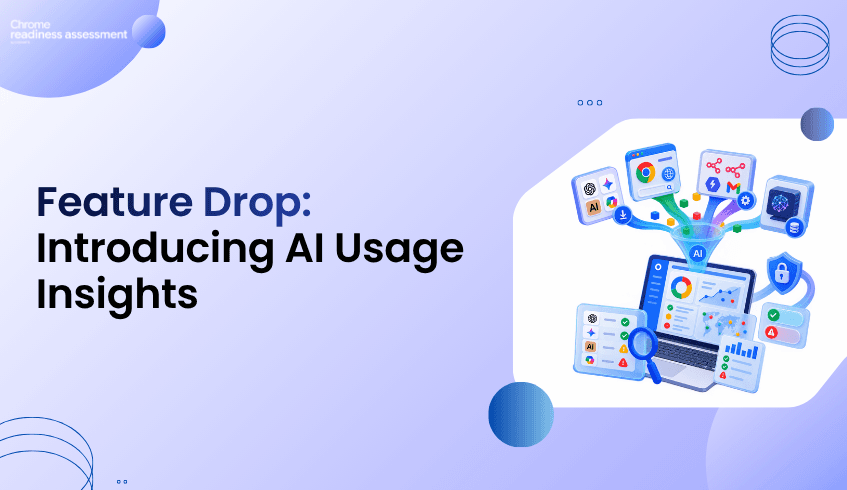
AI Insights brings these different sources together into a single view, helping organizations understand:
Installed AI applications across devices
Web-accessed AI applications used through browsers
Local AI models (LLMs) running on endpoints
AI workflow and automation platforms
Direct and indirect AI usage patterns
Approved (sanctioned) and unapproved (unsanctioned) AI tools
This provides a clearer picture of how AI is being adopted throughout the organization.
Understand AI Activity at a Glance
The AI Insights dashboard provides a consolidated overview of AI usage across the environment.
Organizations can quickly view:
Total installed AI applications detected
Browser-accessed AI applications
Local AI models discovered on devices
Workflow automation platforms in use
Direct and indirect AI application counts
Sanctioned and unsanctioned AI usage statistics
Rather than manually gathering information from multiple sources, teams can review AI activity from a centralized dashboard and identify areas that may require further investigation or governance.
Drill Down Into Device-Level AI Usage
Visibility becomes more valuable when organizations can understand AI usage at the device level.
AI Insights provides detailed device-level views that allow teams to review:
Installed AI applications on individual devices
Browser-accessed AI tools used by employees
Local AI models detected on endpoints
Workflow platforms associated with each device
Direct and indirect AI usage classifications
Governance status, including sanctioned and unsanctioned items
This helps security, IT, and governance teams understand where AI is being used and which devices may require additional review.
Differentiate Between Direct and Indirect AI Usage
Not all AI interactions occur in the same way.
AI Insights distinguishes between:
Direct AI Usage
Direct AI usage refers to applications specifically designed as AI tools or AI-powered solutions.
Examples may include:
ChatGPT
Gemini
Perplexity
AI coding assistants
Dedicated AI productivity applications
Indirect AI Usage
Indirect AI usage refers to traditional applications or services that incorporate AI functionality as part of a broader product experience.
Examples may include:
Productivity platforms with embedded AI features
Browsers with built-in AI assistants
Business applications enhanced by AI capabilities
This distinction helps organizations better understand how AI enters everyday workflows and where governance policies may need to be applied.
Manage AI Governance Through AI Sanctioning
Visibility alone is not enough. Organizations also need a way to define which AI tools are approved for use.
AI Insights introduces an AI Sanctioning workflow within CRA's Report Generator, allowing organizations to review discovered AI technologies and determine whether they should be sanctioned or unsanctioned.
Items can be categorized and governed across multiple areas, including:
AI Applications
Installed AI applications discovered across devices can be reviewed and marked as sanctioned or unsanctioned according to organizational policy.
AI Workflow Platforms
AI-enabled workflow and automation platforms can be evaluated to determine whether their usage aligns with governance requirements.
Local LLMs
Locally installed AI models and LLM frameworks can be identified and reviewed to ensure compliance with security and governance standards.
Browser-Integrated AIs
Modern browsers increasingly include built-in AI assistants and copilots.
AI Insights identifies browser-integrated AI capabilities such as:
Gemini in Chrome
Copilot in Microsoft Edge
Leo in Brave
Firefox AI assistant capabilities
Aria in Opera
Organizations can review these browser-integrated AI features and determine whether they should be sanctioned for use within the environment.
Track Sanctioned and Unsanctioned AI Usage
Once governance decisions are defined, AI Insights reflects those decisions throughout reporting and device-level views.
Organizations can quickly identify:
Sanctioned AI tools approved for business use
Unsanctioned AI tools that may require review
Devices using unapproved AI technologies
Governance trends across departments and user groups
This enables teams to move from simple discovery toward active AI governance.
Helping Organizations Build Responsible AI Adoption Strategies
AI adoption is accelerating across every industry. The organizations that succeed will be those that can balance innovation with visibility, governance, and control.
With AI Insights, Chrome Readiness Assessment helps organizations understand AI activity across their environment, distinguish between different types of AI usage, and establish governance through sanctioning workflows and reporting.
By providing visibility into installed AI applications, browser-accessed AI tools, local LLMs, workflow platforms, browser-integrated AI capabilities, and governance status, AI Insights helps organizations make more informed decisions about AI adoption at scale.