

Prepare for a Hassle-Free ChromeOS Migration with CRA
Discover your Chrome readiness to transition to ChromeOS with our comprehensive compatibility assessment tool.

Check Device Readiness Before Starting Your Chrome Readiness Assessment
Run CRA quick prerequisite check script to ensure everything is set up for a smooth ChromeOS experience.
Choose the Chrome Readiness Assessment for secure, flexible, and user-friendly readiness assessment before moving your organization to ChromeOS.

Unparalleled Security
Protect your data with strong encryption, whether on Network-shared folders or GCP cloud storage.

Flexibility at Its Best
Tailor data storage to your needs, ensuring the tool fits into your existing infrastructure.

User-Friendly Experience
Enjoy intuitive dashboards and a simple installation process, making it easy for anyone to use.
Trust the Chrome Readiness Assessment for a secure, flexible, and user-friendly compatibility assessment. CRA helps organizations evaluate ChromeOS readiness while protecting readiness data through secure storage and encryption practices.
Encryption Process for Secure Storage
- CRA utilizes advanced encryption methods to safeguard your data, whether stored in a network-shared folder or GCP Cloud Storage. Readiness details are encrypted using robust encryption keys, ensuring that only authorized users can access this data securely.
Our listed partners have proven expertise with the Chrome Readiness Assessment and are trusted to guide customers with accuracy and confidence.











The Chrome Readiness Assessment supports your organization's transition to ChromeOS through a structured readiness assessment. CRA begins with installation and setup, allows administrators to configure deployment settings based on organizational requirements, and then provides detailed reports on device compatibility, application readiness, ChromeOS readiness, and migration blockers.
Choose the Chrome Readiness Assessment for a secure, flexible, and user-friendly compatibility assessment for your ChromeOS Migration.
Windows Server Active Directory Flow
Supports installation via Active Directory
Designed for environments without Unified Endpoint Management (UEM)
Automated data collection agent
On-premise infrastructure
Network shared folder available for storage
GCP Cloud available as a storage location
Pro Dashboard available only with GCP storage
The Partner Dashboard is available only with GCP storage and if you have a CSP
Other Deployment Options Flow
Designed for Installation without Active Directory
Optimized for Unified Endpoint Management (UEM) systems
Data collection agent requires manual setup
Cloud-based infrastructure
Storage through a network-shared folder is not applicable.
GCP Cloud is available as a storage location
Pro Dashboard included by default
Partner Dashboard available with a service provider
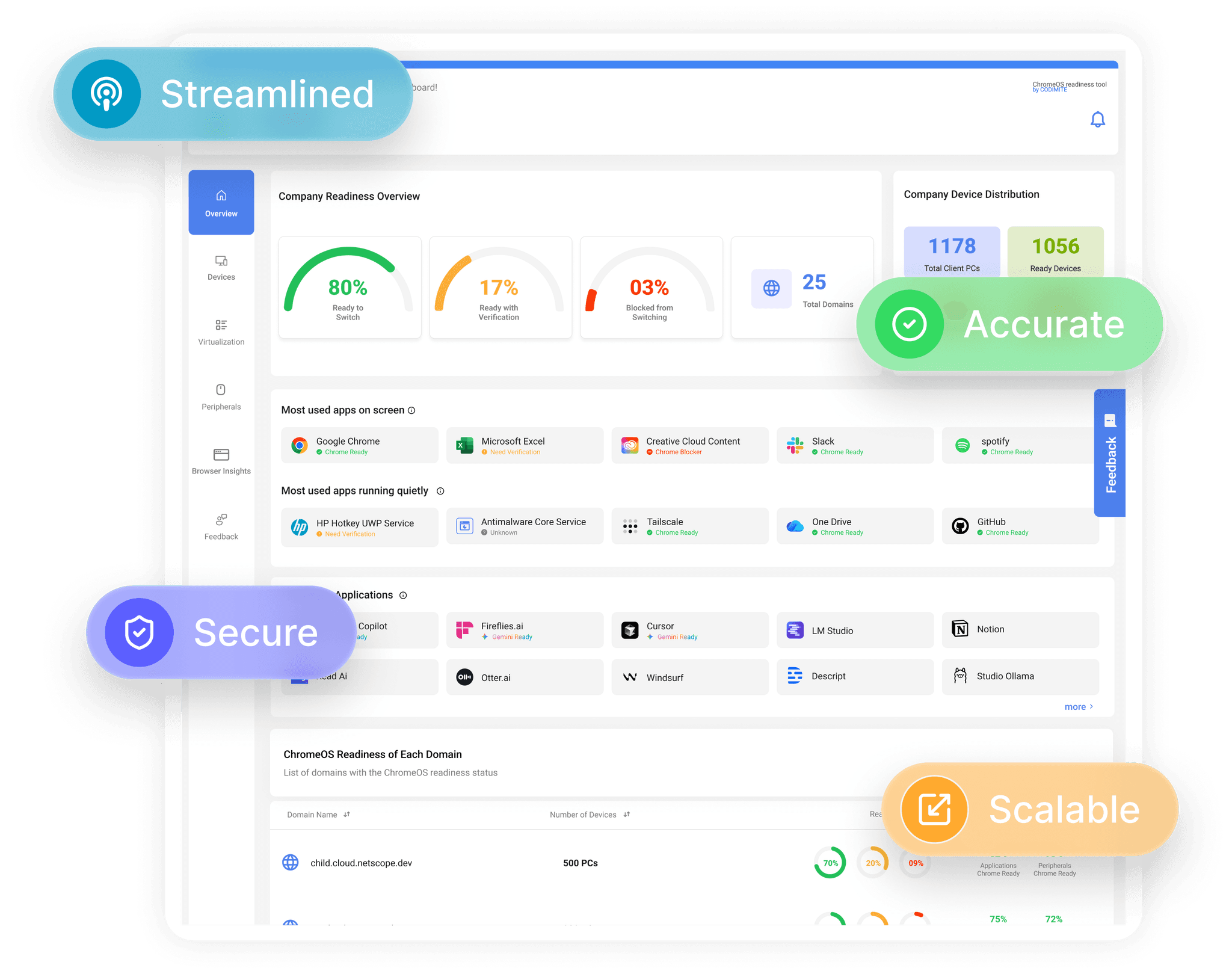
Explore CRA dashboards that provide detailed insights into device readiness for ChromeOS. View compatibility status, readiness assessment results, blockers, and virtualization recommendations to support a more confident ChromeOS migration.
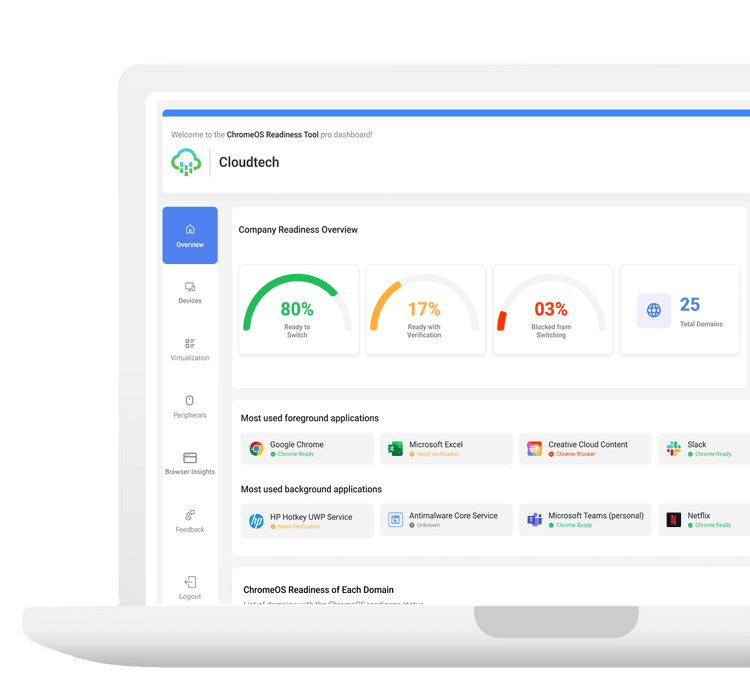
Overview
Gain a complete snapshot of the company’s overall readiness.
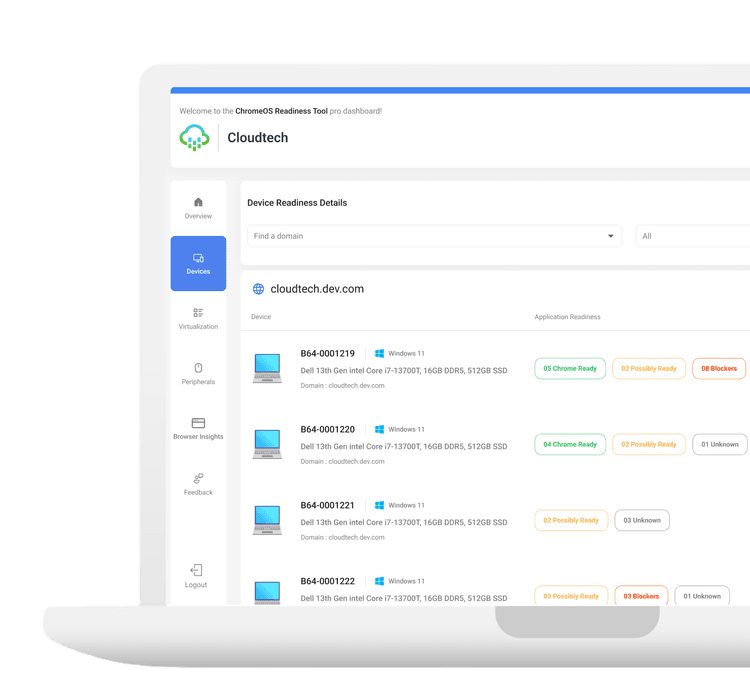
Devices
View the readiness status of each device across the organization.
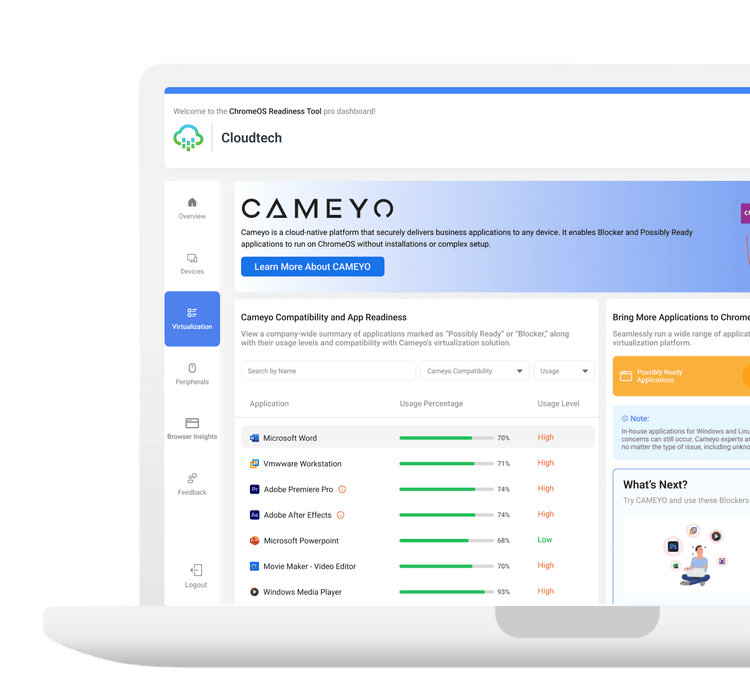
Virtualization
Explore virtualization solutions for applications classified as Blocker or Possibly Ready to improve accessibility.
Experience our support and resources designed to ensure your success with the Chrome Readiness Assessment and plan a successful ChromeOS migration.

Advanced Monitoring
Monitors activity and software usage of all related systems more accurately.

Detailed Reports
Access compatibility assessments in multiple formats, including PDF and Excel, tailored to suit your data analysis and sharing needs.

Expert Recommendations
Get tailored advice and recommendations based on your specific needs.
Follow these simple steps to get started with the Chrome Readiness Assessment and ensure a smooth setup process.
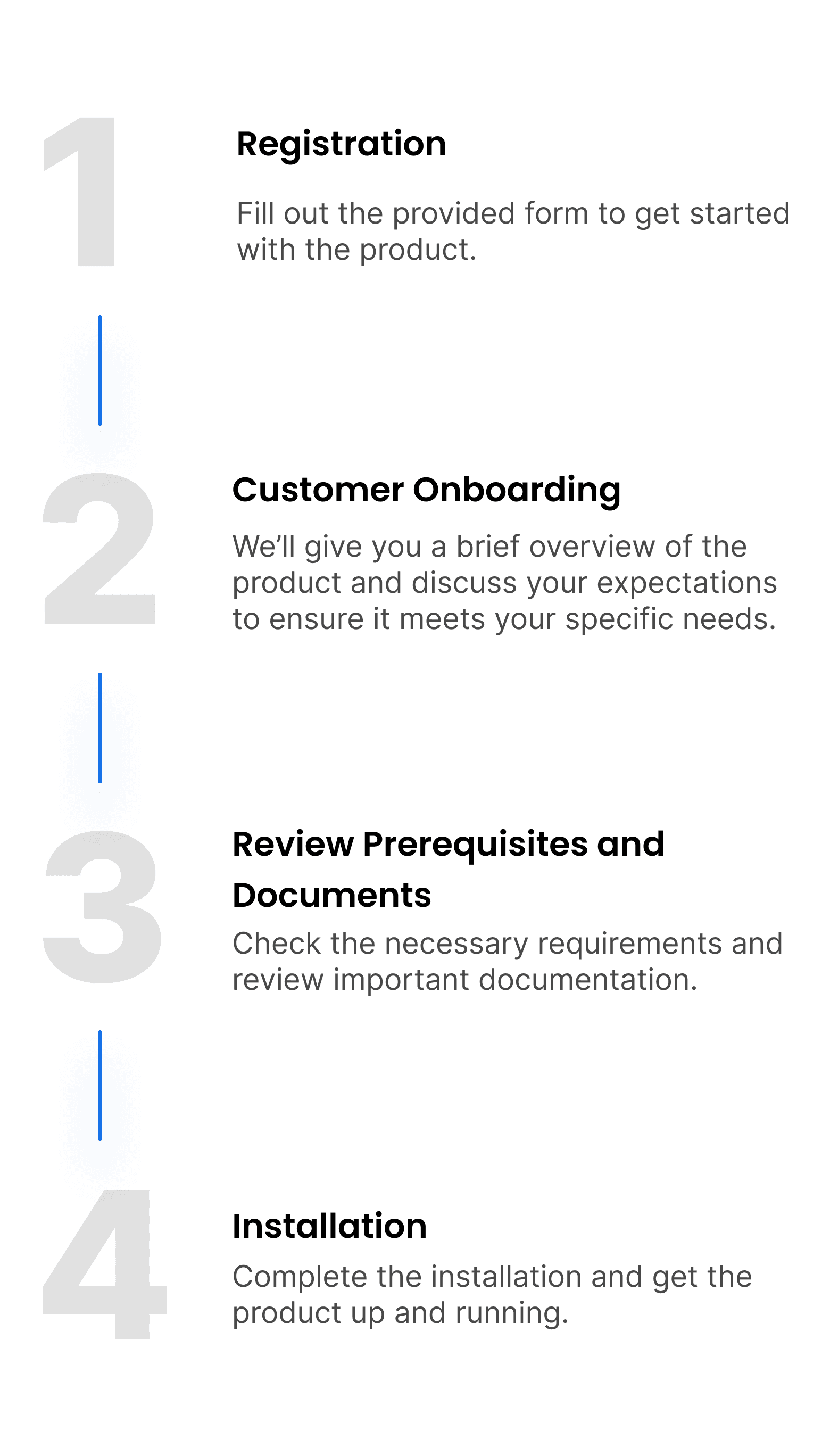
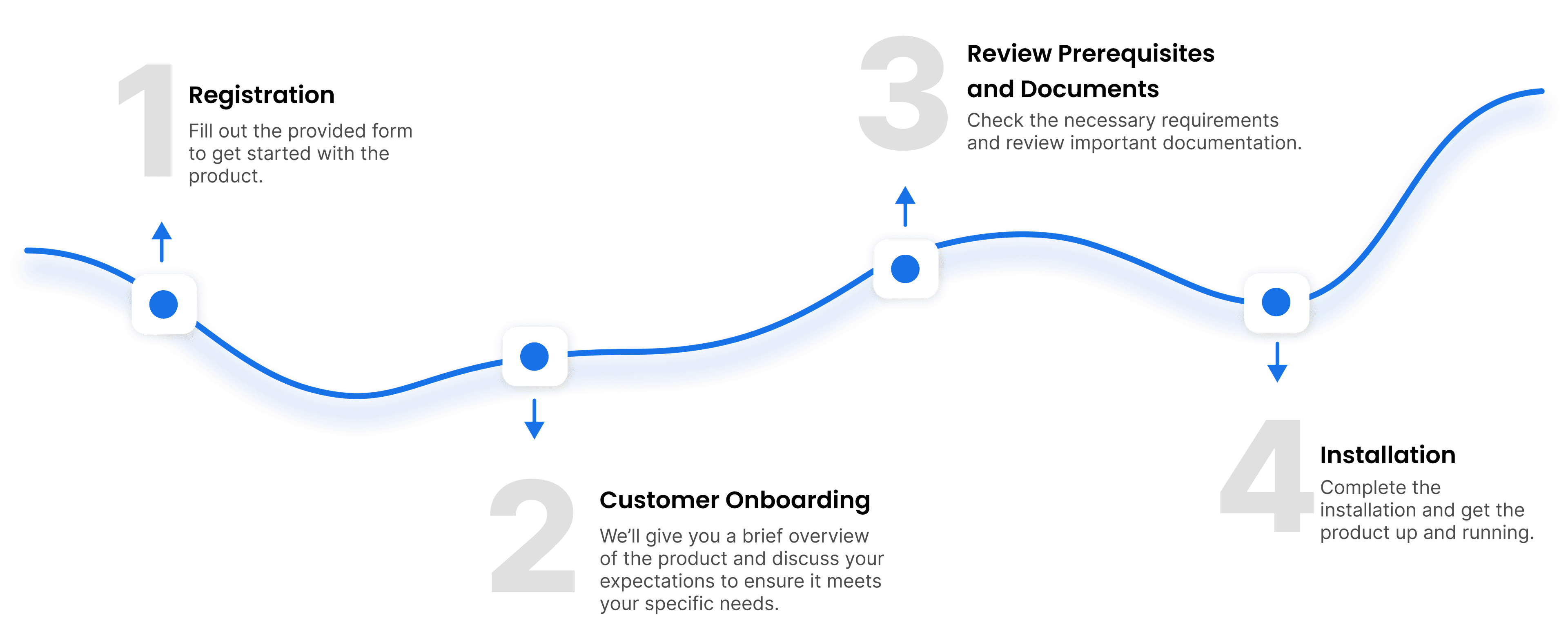
Discover how our tool assesses if your devices are ready to seamlessly transition to ChromeOS
Download Setup File
Windows Server Active Directory Flow Compatibility Prerequisite Checklist
Other Deployment Options Flow Compatibility Prerequisite Checklist
Looking for answers? Below you'll find solutions to common questions about our application. If you need further help, feel free to reach out to our support team.
1. What Is Chrome Readiness Assessment (CRA)?
2. Who Should Use the Chrome Readiness Assessment (CRA)?
3. Who is responsible for installing the Readiness Assessment?
4. Do employees need to take any action after deployment?
5. What are the different deployment methods available in the product?
6. Who can access the network shared folder?
7. What happens if a user ends the process in Task Manager? Can the process be restarted?
8. Are there controls in place to protect encryption keys?

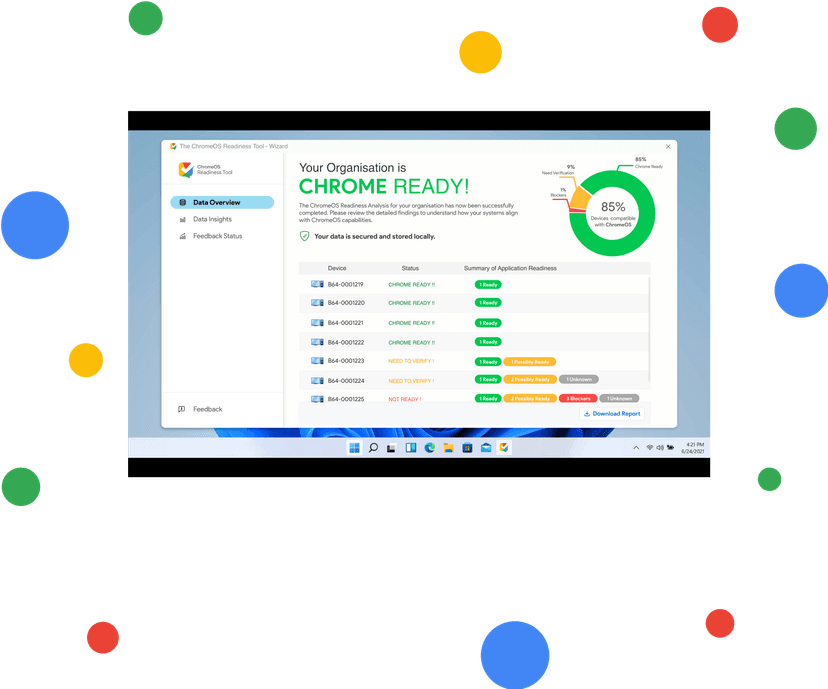
Wondering if your devices are ready for ChromeOS? The Chrome Readiness Assessment simplifies ChromeOS readiness assessment by helping you evaluate device compatibility, application readiness, deployment requirements, and readiness blockers.