Rethinking Endpoint Fleets With ChromeOS and CRA
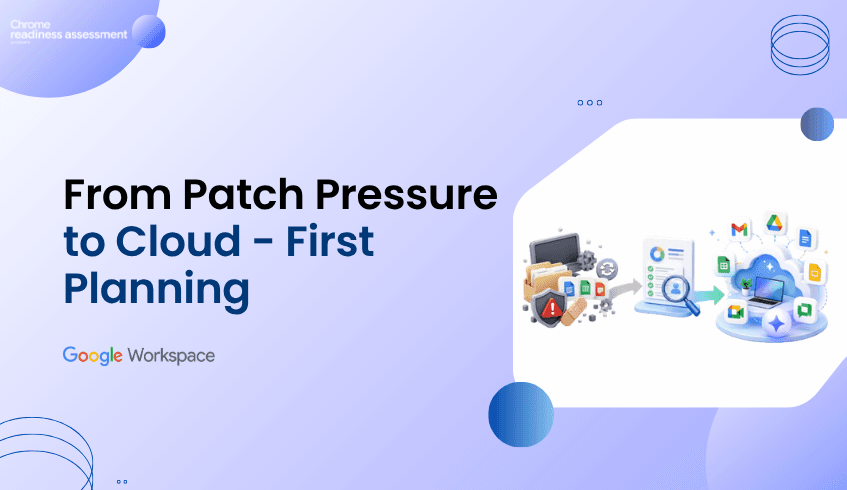
The July 2026 Windows patch cycle addressed at least 570 security flaws across Microsoft’s Windows operating systems and related enterprise software. For IT and security teams, this kind of patch pressure is more than a monthly maintenance task. It is a reminder to review how much operational effort traditional endpoint fleets can create.
Windows environments remain important for many organizations, but large endpoint fleets often come with ongoing patching, legacy application dependencies, local software management, device variation, and support complexity. When those issues grow, teams may start asking whether every user, workflow, and device still needs the same traditional endpoint model.
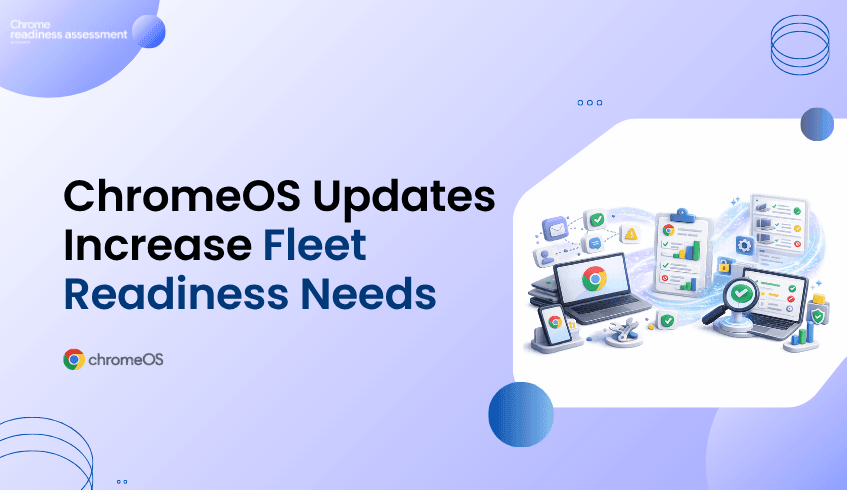
ChromeOS and Chromebooks give organizations a secure, cloud-first endpoint direction with built-in protections, automatic updates, sandboxing, and Verified Boot. But moving from a Windows-heavy fleet to ChromeOS should not begin with assumptions. Chrome Readiness Assessment helps IT teams see whether their current fleet, applications, peripherals, browser usage, and workflows are ready before migration begins.
Rethinking Endpoint Fleets With ChromeOS and CRA
Security patching is a normal part of enterprise IT, but patch volume can reveal a deeper challenge. When teams need to manage hundreds of vulnerabilities across operating systems, applications, and related software, the workload becomes more than installing updates. It becomes a question of operational sustainability.
Traditional endpoint fleets can carry many layers of responsibility. IT teams need to manage OS updates, device compatibility, application dependencies, browser versions, local configurations, security tools, user impact, and support requests. A patch may be necessary, but rollout planning still needs testing, timing, communication, and follow-up.
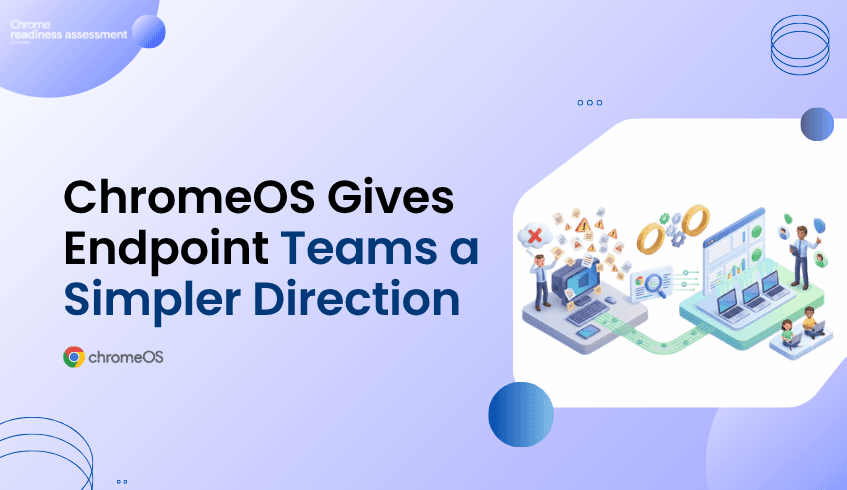
This is where endpoint modernization becomes important. Organizations do not need to move every user away from Windows overnight, and not every workflow is ready for ChromeOS. But patch pressure can help teams identify where a simpler, cloud-first endpoint model may reduce long-term complexity.
ChromeOS Supports a More Secure Endpoint Model
ChromeOS is designed around a security-first approach that helps reduce common endpoint risks. ChromeOS security uses Verified Boot to check the system at startup, sandboxing to help isolate threats, and automatic updates to keep devices current with less manual effort.
This matters for organizations that want a more manageable endpoint environment. Instead of relying heavily on manual patch deployment and local software maintenance, ChromeOS helps keep devices updated in the background. ChromeOS releases a full OS update about every four weeks, while minor security fixes and software updates happen every two to three weeks.
No operating system removes every security risk. But ChromeOS gives IT teams a different endpoint model: one that reduces dependency on complex local environments and supports a more consistent, cloud-first device experience.
Chromebooks Help Reduce Local Endpoint Complexity
Chromebooks can be a strong fit for teams that work mainly through cloud applications, browser-based systems, Google Workspace, virtualized apps, SaaS platforms, and secure web access. For these users, the device does not need to carry the same level of local software complexity as a traditional endpoint.
This can reduce the burden of managing local applications, user-installed tools, outdated software, and device-specific issues. When more work happens through managed browser and cloud experiences, IT teams can simplify how users access business systems while maintaining stronger control over the endpoint environment.
That simplicity becomes valuable at scale. A large fleet with many device types, app versions, and local configurations can be difficult to manage consistently. Chromebooks help organizations move toward a cleaner endpoint model where updates, policies, and security controls are easier to standardize.
Windows Dependency Still Needs Careful Review
A ChromeOS direction can be attractive, but migration needs careful planning. Many organizations still depend on Windows-based applications, Office workflows, local tools, peripherals, internal systems, and browser-specific behaviors. Some workflows may move easily to ChromeOS, while others may need alternatives, virtualization, or phased planning.
This is why a migration should not begin only with the idea that Chromebooks are secure or easier to manage. IT teams need to understand which users are ready, which devices can move, which applications may create blockers, and which business processes need more review.
Without readiness visibility, a migration can create user disruption. A team may discover too late that a critical application does not work properly, a peripheral is unsupported, or a workflow depends on a local Windows tool. These issues can slow rollout and reduce user confidence.
CRA Turns Migration Interest Into Fleet Visibility
Chrome Readiness Assessment helps IT teams understand whether their current environment is ready for ChromeOS migration. It gives organizations a clearer view of where readiness gaps may exist, so migration planning can be based on real environment data instead of assumptions.
This helps teams move beyond broad assumptions. Instead of asking, “Can we move to Chromebooks?” IT teams can ask more practical questions: Which devices are ready? Which users depend on Windows applications? Which workflows need review? Which parts of the fleet can move first?
That visibility makes ChromeOS migration more structured. Teams can identify low-risk groups for early rollout, separate users who need more review, and plan remediation before disruption reaches end users.
Using CRA to Reduce Migration Risk
CRA helps reduce ChromeOS migration risk by showing where the current fleet may be ready and where blockers may exist. This is important because endpoint modernization affects more than the device itself. It touches applications, browser behavior, user workflows, peripherals, and support expectations.
For example, some users may already work mostly through cloud applications and browser-based systems. These users may be strong candidates for Chromebooks. Other users may depend on local Windows applications, specialized peripherals, or workflows that need alternatives before migration. CRA helps IT teams see those differences before rollout begins.
This gives organizations a better way to phase the move. Instead of replacing devices broadly, teams can start with the users and device groups that show stronger readiness, then review more complex areas separately.
A Better Path From Patch Pressure to Modern Endpoints
Large Windows patch cycles can push organizations to rethink endpoint strategy, but the goal should not be reactionary migration. The stronger approach is to use that pressure as a reason to review the current environment and plan a safer, more manageable device direction.
ChromeOS and Chromebooks give organizations a strong path toward secure, cloud-first endpoint modernization. CRA helps make that path practical by showing whether the existing fleet is ready, where blockers may exist, and which users or devices can move first.
For a broader look at ChromeOS as a modern work platform, read ChromeOS Is Built for Modern Work. Is Your Environment Ready?.
FAQ
Why do Windows vulnerabilities matter for endpoint planning?
Windows vulnerabilities remind IT teams to review the complexity of traditional endpoint fleets. Large patch cycles can create operational pressure around testing, deployment, compatibility, and support.
How does ChromeOS help reduce endpoint security complexity?
ChromeOS helps reduce endpoint complexity with security features such as Verified Boot, sandboxing, automatic updates, and a cloud-first operating model that reduces reliance on local software management.
Are Chromebooks a replacement for every Windows device?
Not always. Some users may depend on Windows applications, specialized peripherals, or local workflows. That is why organizations should assess readiness before moving users to Chromebooks.
How does CRA help with ChromeOS migration planning?
Chrome Readiness Assessment helps IT teams review device readiness, application dependencies, browser usage, peripheral compatibility, and migration blockers before moving users or device groups to ChromeOS.
Can CRA help identify which users should move first?
Yes. CRA helps teams understand which parts of the environment are more ready for ChromeOS and which areas need additional review before migration.
Why should readiness come before Chromebook migration?
Readiness helps reduce rollout surprises. IT teams can understand what users rely on today, where blockers may exist, and how to phase ChromeOS migration with less disruption.
Patch pressure should not only create another update task. It should encourage organizations to review whether their endpoint strategy is still the right fit. ChromeOS and Chromebooks offer a secure, cloud-first direction, while CRA helps IT teams understand whether their current fleet is ready for the move.