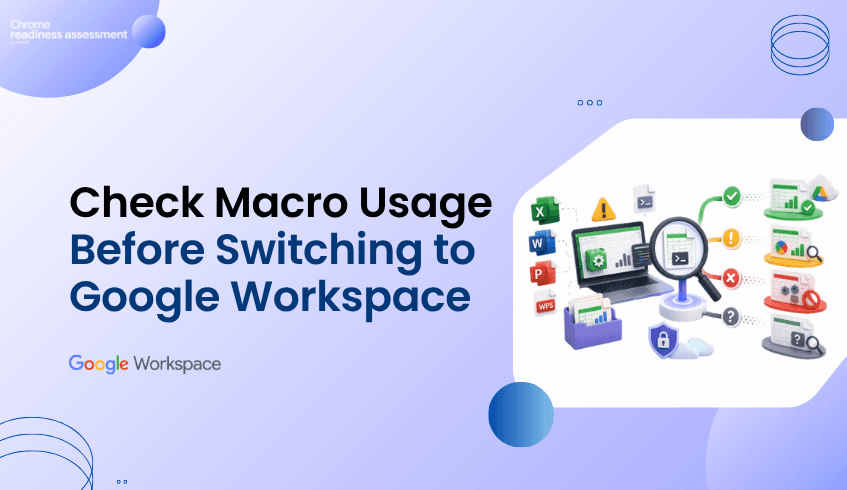
Why Macro Usage Matters Before Moving Office Workflows to Google Workspace
Many organizations planning a Google Workspace migration focus on files, applications, and user workflows.
Documents, spreadsheets, and presentations may appear ready to move.
But there is one important detail that can change the compatibility picture:
macros.
Some Microsoft Office or WPS Office workflows may look simple from the outside, but they may depend on macros to automate tasks, calculate data, format reports, or support business processes.
If macros are not used, the workflow may be fully compatible with Google Workspace.
But if macros are used, the workflow may be only partially compatible and should be reviewed before migration.
Chrome Readiness Assessment helps organizations identify macro usage so IT teams can understand which Office workflows are ready and which ones need extra planning.
Files May Look Ready, but Macros Can Create Hidden Dependencies
Office files are often part of everyday work.
Teams use spreadsheets for reporting, budgets, tracking, planning, and analysis.
They use documents and presentations for communication, collaboration, and business operations.
Google also supports working with Microsoft Office files in Google Docs, Sheets, and Slides, making many file-based workflows easier to continue in Google Workspace.
But macros can make migration more complex.
A spreadsheet may open correctly.
The data may appear properly.
The formatting may look fine.
But if the file depends on macros, the workflow may not behave the same way after migration.
This is why organizations need to understand macro usage before moving Office workflows to Google Workspace.
Why Macro Usage Changes Compatibility
Macros are often used to automate repetitive tasks inside Office applications.
They may support calculations, reports, approvals, formatting, data cleanup, or internal processes.
When macros are not used, the workflow is usually easier to assess for Google Workspace compatibility.
In CRA, this can help teams identify workflows that may be fully compatible.
When macros are used, the workflow needs more attention.
That does not always mean the workflow cannot move.
It means IT teams should review the macro dependency before migration.
In CRA, macro usage can help identify workflows that are partially compatible with Google Workspace and may require validation, conversion, or alternative planning.
This gives organizations a clearer way to separate simple Office workflows from workflows that need technical review.
How CRA Helps Identify Macro Dependencies
Chrome Readiness Assessment helps organizations understand where macro usage exists across Office-related applications and workflows.
Instead of assuming all Office files are ready, CRA helps teams see whether macros are being used.
This helps IT teams understand:
which applications or workflows are not using macros
which workflows may be fully compatible with Google Workspace
which applications are using macros
which workflows may be partially compatible
which teams may need extra review before migration
where macro dependencies could affect rollout planning
This makes migration planning more accurate.
Teams can avoid treating every Office workflow the same way.
Fully Compatible vs Partially Compatible
Macro usage gives IT teams an important compatibility signal.
If macros are not used, the workflow may be considered fully compatible for Google Workspace planning.
This means users may be able to continue their work with fewer migration concerns.
If macros are used, the workflow may be considered partially compatible.
This means the file, application, or workflow should be reviewed before migration because some functions may not work the same way in Google Workspace. This simple distinction helps organizations plan more clearly.
Instead of discovering macro issues after users move, IT teams can identify them earlier and decide what action is needed.
Where Google Tools May Help
For some Excel macro workflows, Google provides a Macro Converter that can help convert VBA code into Google Apps Script.
This can support migration planning when teams need to move Excel-based automation toward Google Sheets.
However, macro conversion still needs review and testing.
Not every macro workflow will convert perfectly.
Some may need changes, some may need to be rebuilt, Others may require a different process in Google Workspace.
CRA helps teams identify where those macro-based workflows exist before migration planning reaches the final stage.
What Business Leaders Need to Know
Macro usage is not only a technical issue.
In many organizations, macros support important business workflows.
They may be used in finance, operations, reporting, sales tracking, HR processes, or department-level planning.
If these workflows are not reviewed before migration, business teams may experience disruption.
CRA helps business leaders and IT teams understand where macro dependencies exist before moving to Google Workspace.
This supports better planning, fewer surprises, and a smoother migration experience.
A Smarter Way to Plan Google Workspace Migration
A successful Google Workspace migration is not only about moving files.
It is about understanding how those files are used.
Macro usage helps reveal whether an Office workflow is simple to move or needs extra review.
Chrome Readiness Assessment gives organizations the visibility needed to make that decision earlier.
By showing where macros are used and where they are not, CRA helps teams understand which workflows may be fully compatible and which ones may be partially compatible before moving forward.
FAQ
Why does macro usage matter before Google Workspace migration?
Macro usage matters because macros can affect how Office workflows behave after migration. Files may open correctly, but macro-based automation may need review or conversion.
What does it mean if macros are not used?
If macros are not used, the workflow may have a stronger compatibility signal and may be considered fully compatible for Google Workspace planning.
What does it mean if macros are used?
If macros are used, the workflow may be considered partially compatible and should be reviewed by IT teams before migration.
Does macro usage mean a file cannot move to Google Workspace?
No. Macro usage does not always mean the file cannot move. It means the workflow needs review, testing, conversion, or alternative planning.
How does CRA help with macro readiness?
Chrome Readiness Assessment helps identify where macro usage exists across Office-related applications and workflows so teams can plan migration more accurately.
Can Excel macros be converted to Google Workspace?
Some Excel VBA macros may be converted using Google’s Macro Converter, but teams should still test and review the converted workflow before relying on it.
Chrome Readiness Assessment helps organizations move beyond basic file compatibility and understand macro dependency before Google Workspace migration. By showing whether macros are used or not, CRA helps teams identify fully compatible workflows, review partially compatible ones, and plan the move to Google Workspace with more confidence.