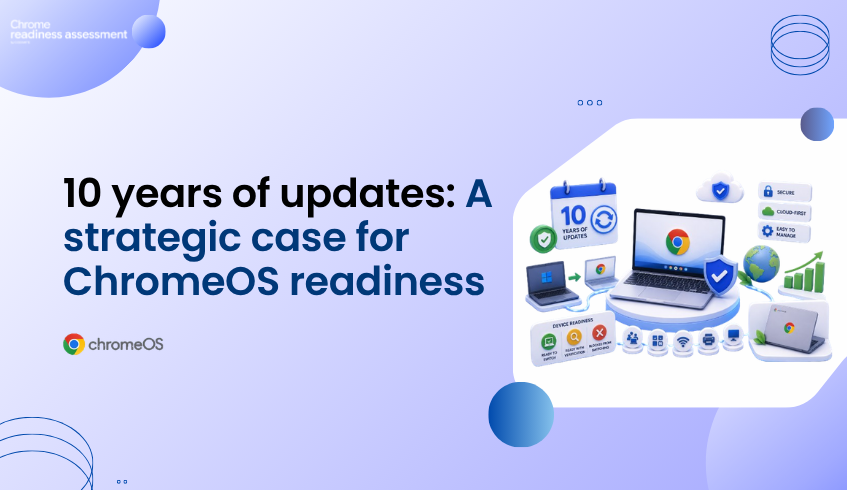
10 Years of Chromebook Updates Makes ChromeOS Readiness More Strategic
Chromebooks are becoming a stronger long-term fleet option for organizations that want secure, cloud-first devices with predictable support. Google’s Auto Update policy states that ChromeOS devices receive 10 years of updates, helping organizations plan device lifecycles with more confidence.
That matters for IT teams thinking about long-term value. A Chromebook is not only a lightweight device for browser-based work. It can also support a more sustainable endpoint strategy by reducing early replacement pressure and giving teams a longer software support window.
But before organizations move from Windows devices to Chromebooks, they need readiness visibility. Chrome Readiness Assessment helps teams understand whether devices are ready to switch, ready with verification, or blocked from switching, so Chromebook planning can be based on real environment data.
Long-Term Updates Change the Chromebook Conversation
Device lifecycle matters in every enterprise fleet decision. IT teams need to think about hardware cost, software support, security updates, user experience, device refresh cycles, and long-term maintenance.
With ChromeOS devices receiving 10 years of automatic updates, Chromebooks become easier to consider as a long-term endpoint investment. Google also connects this longer update window with device longevity and sustainability, helping organizations get more value from devices over time.
This makes Chromebook planning more strategic. The conversation is not only about buying new devices. It is about choosing endpoints that can stay supported, secure, and useful for a longer period.
Sustainability and ROI Depend on Better Fleet Decisions
Longer software support can help organizations reduce unnecessary hardware replacement. When devices remain supported for more years, IT teams can plan refresh cycles more carefully and avoid replacing hardware too early.
This supports both cost control and sustainability. A longer device lifecycle can reduce waste, support better budget planning, and make endpoint modernization more practical across large fleets.
But the value of a Chromebook fleet still depends on matching the right users and workflows to the right devices. A device may be supported for years, but the migration still needs to work for the applications, peripherals, and daily tasks users depend on.
Windows to Chromebook Migration Needs Readiness First
Moving from Windows to Chromebooks should not be based only on hardware appeal. IT teams need to understand which existing devices, applications, and user groups are ready for ChromeOS.
Some users may already work mainly through cloud apps, Google Workspace, SaaS platforms, and browser-based systems. These users may be stronger candidates for an earlier move.
Other users may still depend on Windows applications, local tools, specialized software, or peripherals that need more review. Without readiness visibility, those issues may only appear after migration begins.
CRA Shows Device Readiness Before the Move
Chrome Readiness Assessment helps teams evaluate whether the current environment is ready for ChromeOS migration. Device readiness can be classified as Ready to Switch, Ready with Verification, or Blocked from Switching, giving IT teams a clearer view of which devices may be suitable for migration and which ones need more attention.
This helps organizations avoid treating every device the same way. Some devices may be good candidates for Chromebook replacement or ChromeOS migration planning. Some may need verification before a decision is made. Others may require a different approach.
CRA gives IT teams the visibility needed to plan migration waves, prioritize review areas, and make smarter hardware decisions before investing in a broader Chromebook rollout.
From Hardware Refresh to Readiness-Based Planning
The 10-year update window makes Chromebooks a stronger option for long-term fleet value, sustainability, and lower maintenance overhead. But the best device strategy still starts with readiness.
Before moving from Windows to Chromebooks, teams should understand which devices are ready, which applications may need review, and where blockers could affect migration.
For a broader look at how CRA supports ChromeOS migration planning, read ChromeOS Is Built for Modern Work. Is Your Environment Ready?.
FAQ
How long do Chromebooks receive updates?
ChromeOS devices receive 10 years of updates under Google’s Auto Update policy.
Why does long-term update support matter for organizations?
Longer update support helps organizations plan device lifecycles more confidently, reduce early replacement pressure, and improve long-term fleet value.
Does this mean every organization should immediately buy Chromebooks?
No. Chromebook adoption should still be planned around readiness. Teams need to review devices, applications, peripherals, and user workflows before moving from Windows to ChromeOS.
How does CRA help with Chromebook migration planning?
CRA helps teams understand device readiness before migration. Devices can be classified as Ready to Switch, Ready with Verification, or Blocked from Switching.
How does ChromeOS Flex connect to this topic?
ChromeOS Flex can help organizations reuse existing PCs and Macs as cloud-first devices. CRA helps teams understand which existing devices may be suitable for that path.
Chromebooks can offer long-term value through extended update support, secure cloud-first management, and a more sustainable endpoint lifecycle. CRA helps organizations make that move with better readiness visibility before switching from Windows to ChromeOS.