Cameyo by Google Makes Legacy App Planning More Practical
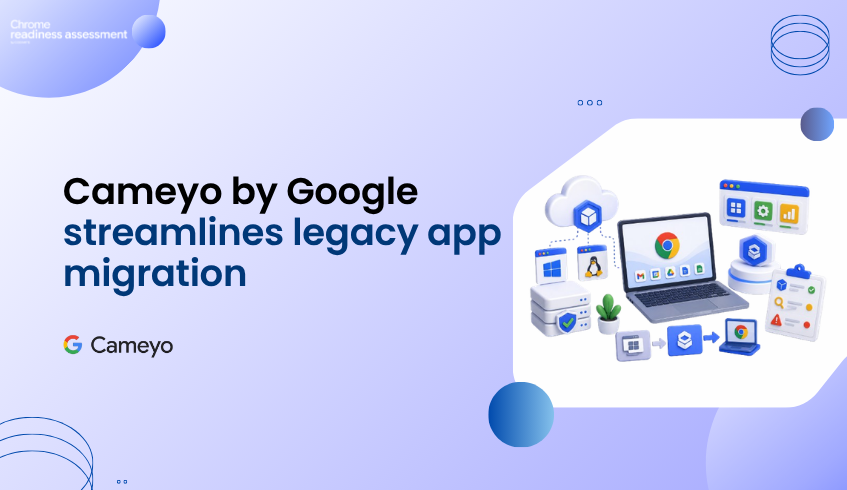
Cameyo by Google gives organizations a more practical way to handle legacy application access while moving toward ChromeOS, ChromeOS Flex, and cloud-first work. Instead of virtualizing a full desktop, Cameyo focuses on Virtual App Delivery, allowing Windows and Linux applications to be streamed in the browser or delivered as Progressive Web Apps.
This matters because legacy applications are often one of the biggest blockers in endpoint modernization. A team may be ready to move many users to a browser-first environment, but a few important desktop applications can slow down the entire migration plan.
Chrome Readiness Assessment helps teams make that decision more clearly. CRA can identify which applications may be ready for ChromeOS and which ones may need review, including where Cameyo virtualization could support continued access during migration.
The Legacy App Gap Still Slows Modernization
Many organizations want a simpler, more secure, and easier-to-manage endpoint environment. ChromeOS and ChromeOS Flex support that direction, especially when users already rely on web apps, SaaS tools, Google Workspace, and cloud platforms.
The challenge appears when certain teams still depend on older Windows or Linux applications. These apps may support finance, operations, manufacturing, design, customer service, or internal business processes. Even if only a small group uses them, they can still become a migration blocker.
Without a clear plan, IT teams may delay ChromeOS adoption because they are unsure how to keep those apps available.
Virtual App Delivery Offers a More Focused Path
Cameyo by Google helps address this gap by delivering the specific applications users need, rather than streaming an entire virtual desktop. This creates a more focused experience for users who only need access to a particular legacy app as part of their workflow.
That approach fits well with cloud-first endpoint planning. Users can continue working in the browser while still accessing important applications that are not ready to be replaced immediately.
For organizations, this makes modernization less binary. The choice does not have to be full migration or no migration. Some apps may move to web alternatives, some may be retired, and some may be delivered through Cameyo while the broader endpoint strategy moves forward.
Cameyo by Google Supports the ChromeOS Migration Story
Cameyo by Google strengthens the ChromeOS migration path because it helps reduce the fear of losing access to critical legacy apps. Instead of keeping users tied to older endpoint models only because of a few applications, teams can create a more flexible plan.
This is especially useful for organizations that want to move toward ChromeOS but still have specialized apps that cannot be replaced immediately. Cameyo helps keep access available while the organization continues modernizing the rest of the environment.
The goal is not to virtualize everything. The goal is to understand which applications truly need that path.
Where CRA Adds Readiness Visibility
Chrome Readiness Assessment helps organizations understand application readiness before moving users to ChromeOS. For applications classified as possibly ready or blockers, CRA can provide Cameyo virtualization insights, including compatibility, usage percentage, and confidence level.
This helps IT teams avoid treating every legacy app the same way. Some apps may be widely used and business-critical. Some may only appear on a small number of devices. Some may have a virtualization path through Cameyo, while others may need testing, replacement, or further review.
That visibility makes the migration plan more practical. Teams can focus attention where it matters instead of letting every unknown application delay the full project.
From Application Blockers to Migration Decisions
Cameyo by Google gives organizations a stronger way to keep legacy applications accessible in a modern endpoint strategy. CRA helps teams decide where that approach may fit.
Together, they support a more realistic ChromeOS migration path. Organizations can review application readiness, identify blockers, understand where virtualization may help, and move toward cloud-first endpoints without ignoring the applications that still matter.
For a deeper look at how CRA supports this planning, read the CRA guide on identifying applications for Cameyo virtualization.
FAQ
What is Cameyo by Google?
Cameyo by Google is a Virtual App Delivery solution that helps organizations deliver Windows and Linux applications through the browser or as Progressive Web Apps.
How is Cameyo different from full desktop virtualization?
Cameyo focuses on delivering individual applications rather than streaming a full virtual desktop, which can make legacy app access more focused for users who only need specific tools.
Why does Cameyo matter for ChromeOS migration?
Cameyo helps organizations keep access to important legacy applications while moving more users toward ChromeOS, ChromeOS Flex, and cloud-first work.
How does CRA support Cameyo planning?
CRA helps teams understand which applications may be ready, which ones need review, and which ones may be suitable for Cameyo virtualization during migration planning.
Does Cameyo mean every legacy app should be virtualized?
No. Cameyo is one possible path for applications that still matter but are not ready for direct ChromeOS migration. CRA helps teams decide where that path may be useful.
Cameyo by Google helps close the legacy app gap. Chrome Readiness Assessment helps teams understand where that gap exists, which applications need attention, and where virtualization can support a smoother ChromeOS migration plan.