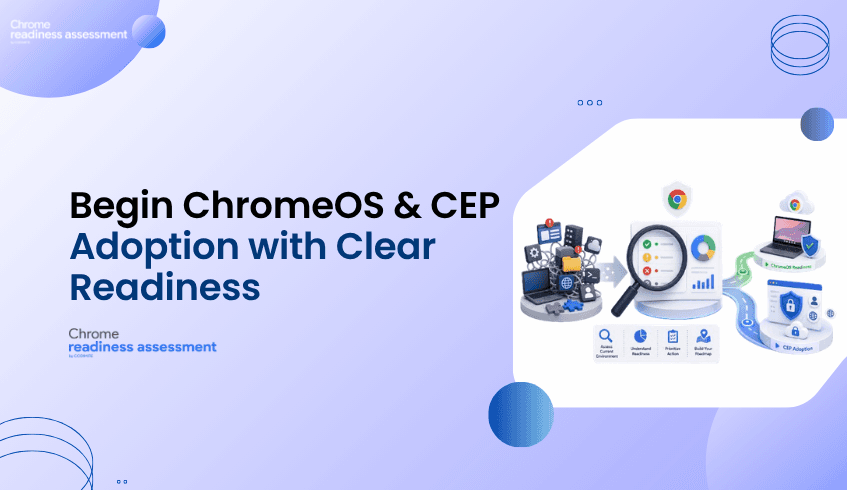
Planning ChromeOS and CEP Adoption? Start With Readiness Visibility
Many organizations are planning to modernize their endpoint and browser environments.
For some teams, that means moving devices to ChromeOS.
For others, it means adopting Chrome Enterprise Premium to support secure enterprise browsing.
But before rollout begins, organizations need to answer one important question:
Is the current environment ready?
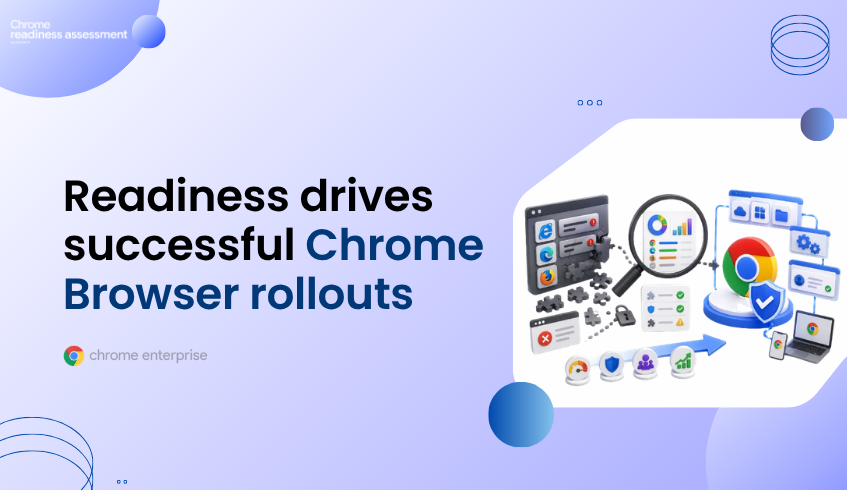
Chrome Readiness Assessment helps IT and security teams understand whether their applications, devices, browser environment, and security conditions are prepared for ChromeOS and CEP adoption.
Instead of planning based on assumptions, CRA helps organizations start with readiness visibility.
Modernization Requires More Than Product Selection
Choosing ChromeOS or adopting CEP is an important step.
But the success of that decision depends on the environment behind it.
An organization may want a more secure, cloud-first, and manageable endpoint experience.
It may also want stronger browser protection, better visibility, and a more controlled approach to secure enterprise browsing.
However, if the current environment is not reviewed first, rollout can become harder than expected.
Some devices may be ready.
Some applications may need review.
Some browser extensions, domains, access patterns, or security risks may need closer attention.
Without readiness visibility, teams may not know where blockers exist until rollout has already started.
That can lead to delays, support pressure, and uncertainty.
Why Readiness Visibility Matters
Readiness visibility helps organizations understand where they are before deciding how to move forward.
It gives IT and security teams a clearer view of the current environment, so they can plan with more confidence.
Before moving devices to ChromeOS or adopting CEP, teams need to understand:
what is ready
what needs review
where blockers may appear
which areas require more planning
which risks should be addressed before rollout
This matters because modernization is not only about enabling a new platform.
It is about making sure users, devices, applications, and security requirements can support the change.
CRA helps organizations build that understanding before rollout begins.
How CRA Supports ChromeOS Readiness
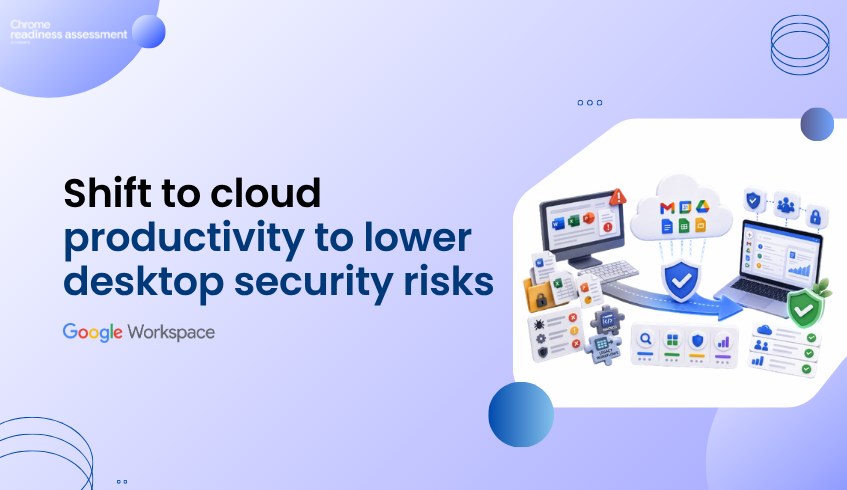
ChromeOS is designed as a secure, cloud-first operating system for modern work.
It can help organizations simplify endpoint management, support cloud-based work, and provide users with a more streamlined device experience.
But before moving devices to ChromeOS, IT teams need to understand whether the current environment can support that move.
CRA helps by giving teams visibility into readiness conditions that may affect ChromeOS planning.
This helps organizations understand which areas may be prepared, which areas need review, and where additional planning may be required before users are moved.
With this visibility, teams can plan ChromeOS adoption in a more structured way.
How CRA Supports CEP Adoption
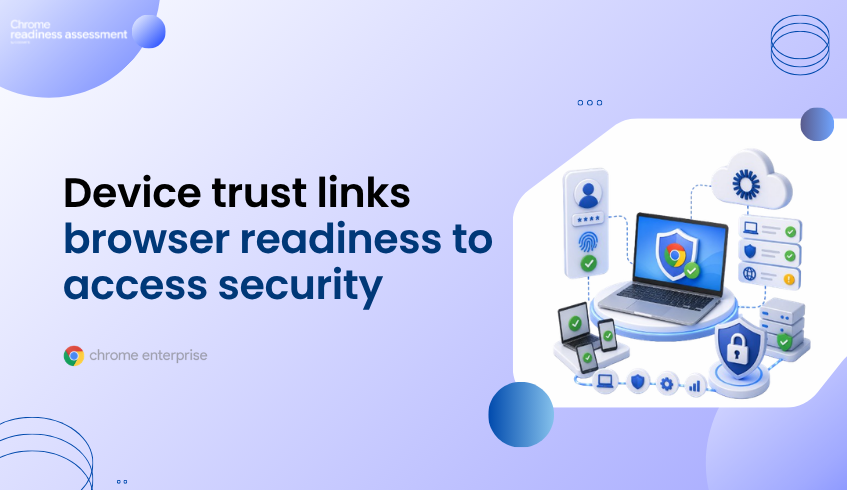
Chrome Enterprise Premium supports secure enterprise browsing by bringing advanced security capabilities into the browser environment.
For organizations adopting CEP, readiness is important because browser security depends on real users, real devices, real access patterns, and real risks.
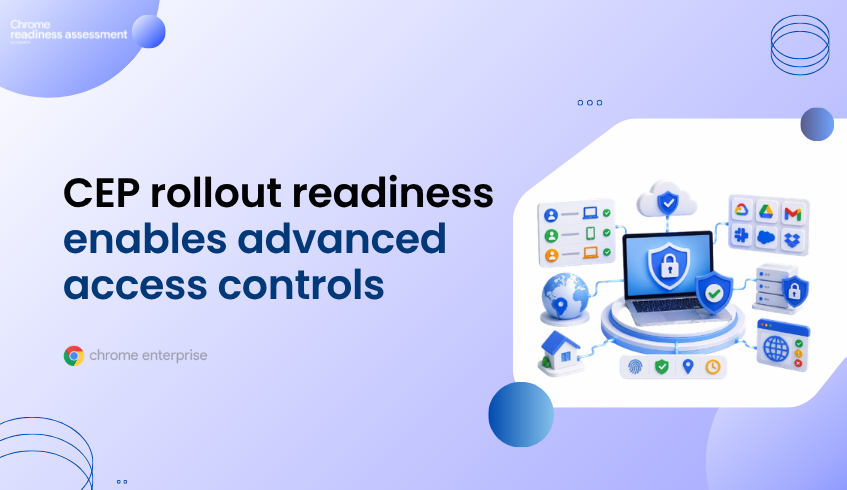
CRA helps IT and security teams understand whether their environment is prepared for CEP adoption.
It gives teams a clearer view of factors that may affect rollout, including applications, devices, browser extensions, domain access, and security risks.
This helps organizations identify possible blockers, plan remediation, and build a phased adoption roadmap before expanding CEP more broadly.
Moving From Assumptions to a Readiness Roadmap
Many modernization projects begin with good intentions but limited visibility.
Teams may know they want to move toward ChromeOS.
They may know they want to adopt CEP.
But they may not know which parts of the environment are ready today.
That is where CRA helps.
It turns readiness questions into a more practical planning process.
Instead of asking only, “Should we adopt ChromeOS or CEP?”, teams can ask:
Are we ready?
Where are the risks?
What needs review first?
Which areas can move forward sooner?
Which areas need a phased plan?
This helps organizations create a roadmap based on actual readiness, not assumptions.
Why IT and Security Teams Should Care
IT and security teams are responsible for making modernization practical.
They need to support users, protect data, manage devices, reduce risk, and avoid unnecessary disruption.
Without readiness visibility, they may be forced to react to issues after rollout begins.
CRA helps teams prepare earlier.
It gives them a clearer view of where the environment is ready and where it needs more attention.
This helps reduce uncertainty and gives teams a stronger starting point for ChromeOS planning and CEP adoption.
Why Business Leaders Should Care
ChromeOS and CEP adoption can support important business goals.
They can help organizations improve security, simplify endpoint strategy, and support modern ways of working.
But if readiness is not understood first, adoption can become slower, more disruptive, or harder to manage.
Business leaders benefit when IT and security teams have clear readiness insight before rollout.
CRA helps create that clarity.
It gives leaders a better understanding of what is ready, what needs review, and where planning should focus before making larger modernization decisions.
A Better Way to Start Modernization
Modernization should not begin with guesswork.
It should begin with a clear understanding of the current environment.
Chrome Readiness Assessment gives organizations a readiness foundation before moving devices to ChromeOS or adopting CEP.
It helps teams understand where they stand today, where risks may exist, and what should happen next.
This makes the path to ChromeOS and secure enterprise browsing more practical, structured, and confident.
FAQ
What is Chrome Readiness Assessment?
Chrome Readiness Assessment is an enterprise readiness assessment platform that helps IT and security teams understand whether their current environment is ready for Chrome Enterprise Premium, ChromeOS, and secure enterprise browsing.
Who should use Chrome Readiness Assessment?
CRA is designed for IT administrators, enterprise technology teams, managed service providers, and ChromeOS migration partners who need to evaluate organizational readiness before moving devices to ChromeOS or adopting CEP.
How does CRA help with CEP adoption?
CRA helps with CEP adoption by analyzing readiness factors such as applications, devices, browser extensions, domain access, and security risks. These insights help IT teams identify blockers, plan remediation, and build a phased adoption roadmap.
How does CRA help with ChromeOS readiness?
CRA helps teams understand whether their current applications, devices, and environment are ready to support a move to ChromeOS.
Why should organizations assess readiness first?
Readiness assessment helps organizations reduce uncertainty before rollout. It shows what is ready, what needs review, and where blockers may affect ChromeOS or CEP adoption.
Is CRA only useful for IT teams?
No. CRA is useful for IT teams, security teams, business leaders, managed service providers, and migration partners because it helps connect technical readiness with business planning.
Chrome Readiness Assessment helps organizations move from modernization uncertainty to readiness clarity. By helping IT and security teams understand whether their environment is ready for ChromeOS and CEP adoption, CRA gives organizations a stronger foundation for secure, confident rollout planning.